Cabling is the one part of an office you only want to do once. Plan it well and it quietly works for ten years. Plan it badly and every new hire, printer or camera turns into a ceiling job.
Count the drops before anything else
Walk the space and count every device that should be wired: each desk (usually two drops), printers, TVs and conference rooms, Wi-Fi access points in the ceiling, and every security camera and access control reader. Then add a few spares. Pulling an extra cable during the job costs far less than coming back later.
Cat6 or Cat6A?
Cat6 is the standard for most offices. It handles gigabit to every desk and supports 10 gigabit on shorter runs. Cat6A carries 10 gigabit over the full 100-meter channel and handles heat better in large PoE bundles, so it is worth it for Wi-Fi access points, busy server rooms and buildings you plan to stay in for many years.
Either way, any single run has a 100-meter channel limit, cable plus patch cords. Long buildings may need a second closet.
Plenum, riser and what the building needs
Cable that runs through a ceiling space used for air return usually has to be plenum-rated (CMP). Cable between floors needs at least riser rating (CMR). We check the building and use the rating it calls for, so the job passes inspection and the landlord's rules.
PoE: one cable for power and data
Power over Ethernet sends power down the same cable as the data. That is how IP cameras, Wi-Fi access points, video intercoms and many door readers work with a single cable and no outlet nearby. Plan the PoE switch with enough power budget for every device.
A closet the next person can understand
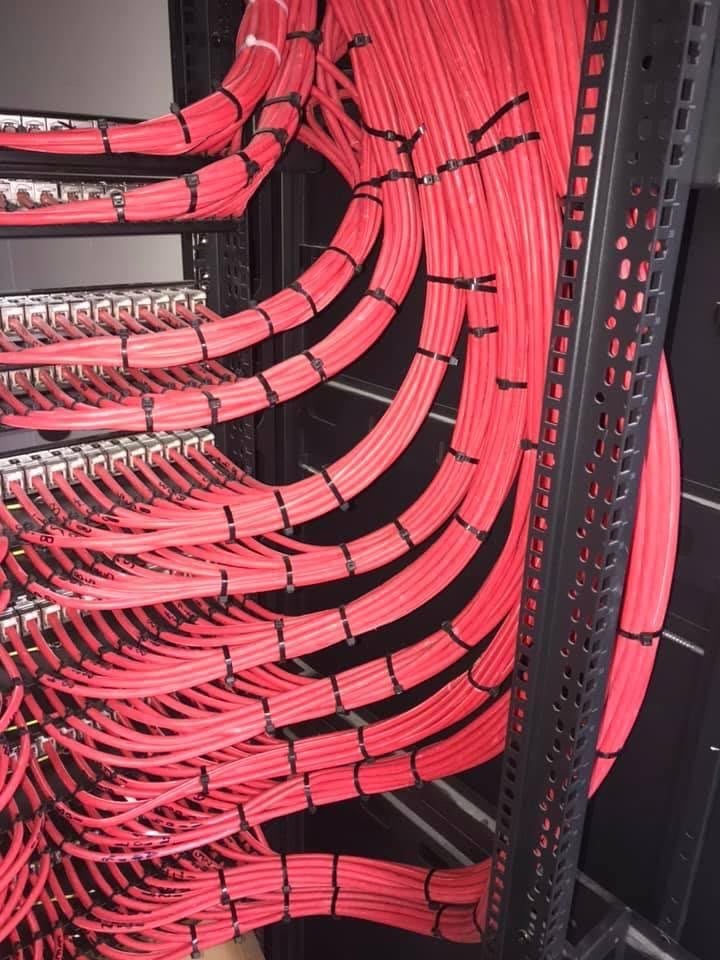
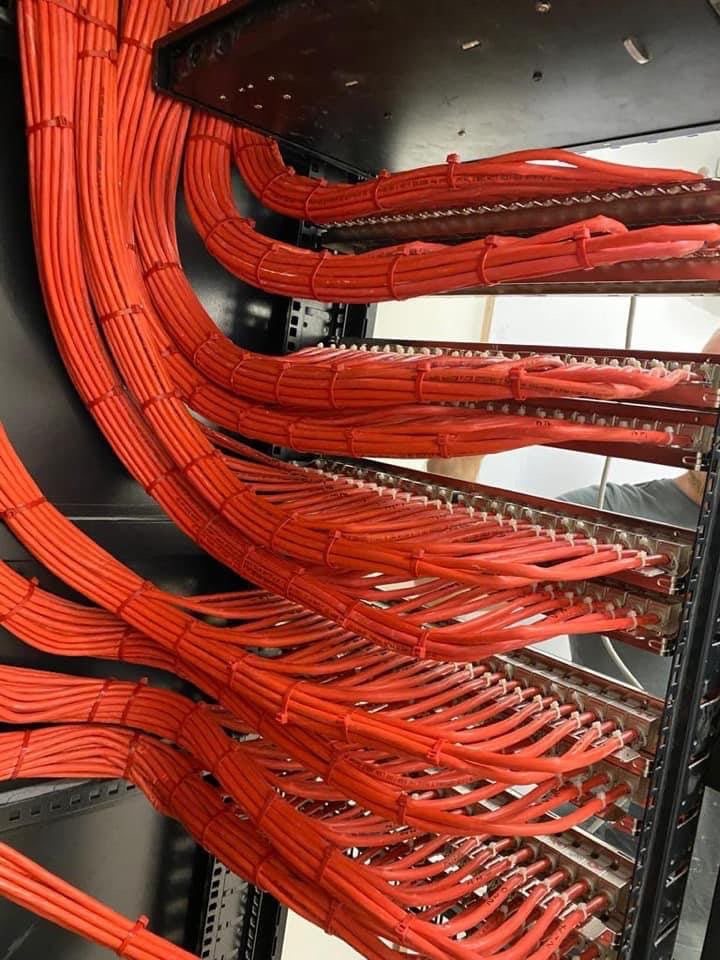
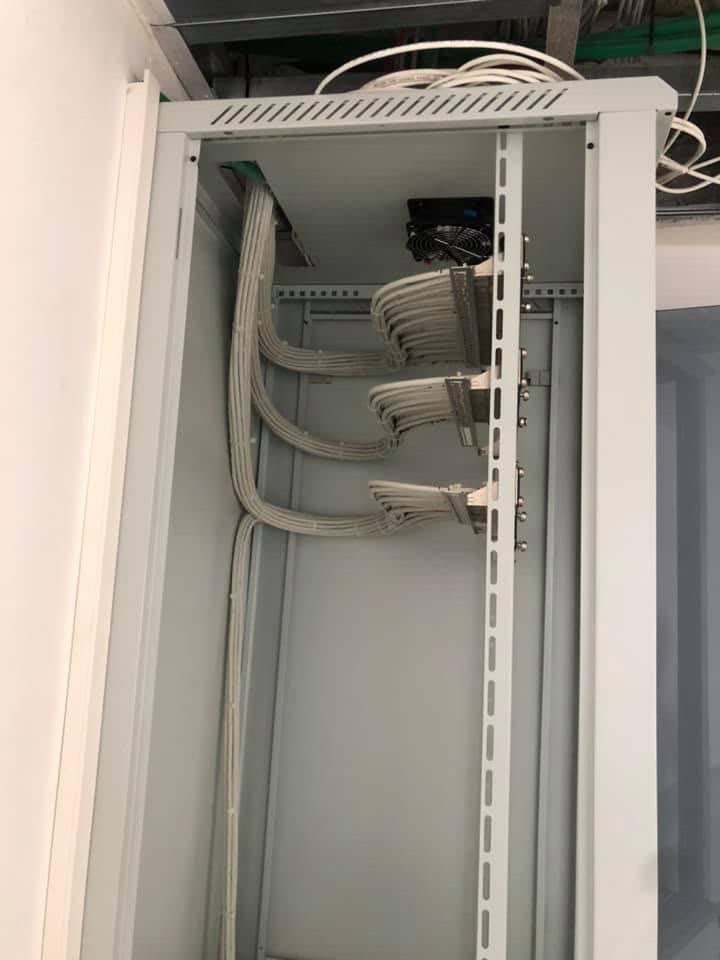
Every run should end on a patch panel, be labeled on both ends and be tested. Cables are dressed in bundles and tied, not hanging loose, and patch cords are cut to length. That is the difference between a five-minute fix and an afternoon of tracing wires. The photos on this page are network cabinets our team built.
Related: